Truck Front and Rear Dash Cams in 2026: Cab Wiring Fit
Picking a dash cam for trucks front and rear in 2026 comes down to cable length, headliner depth and fuse box access. Five picks compared for pickup installs.
Reader-supported: we may earn a commission from links on this page, at no extra cost to you. It never affects our picks. Learn more.
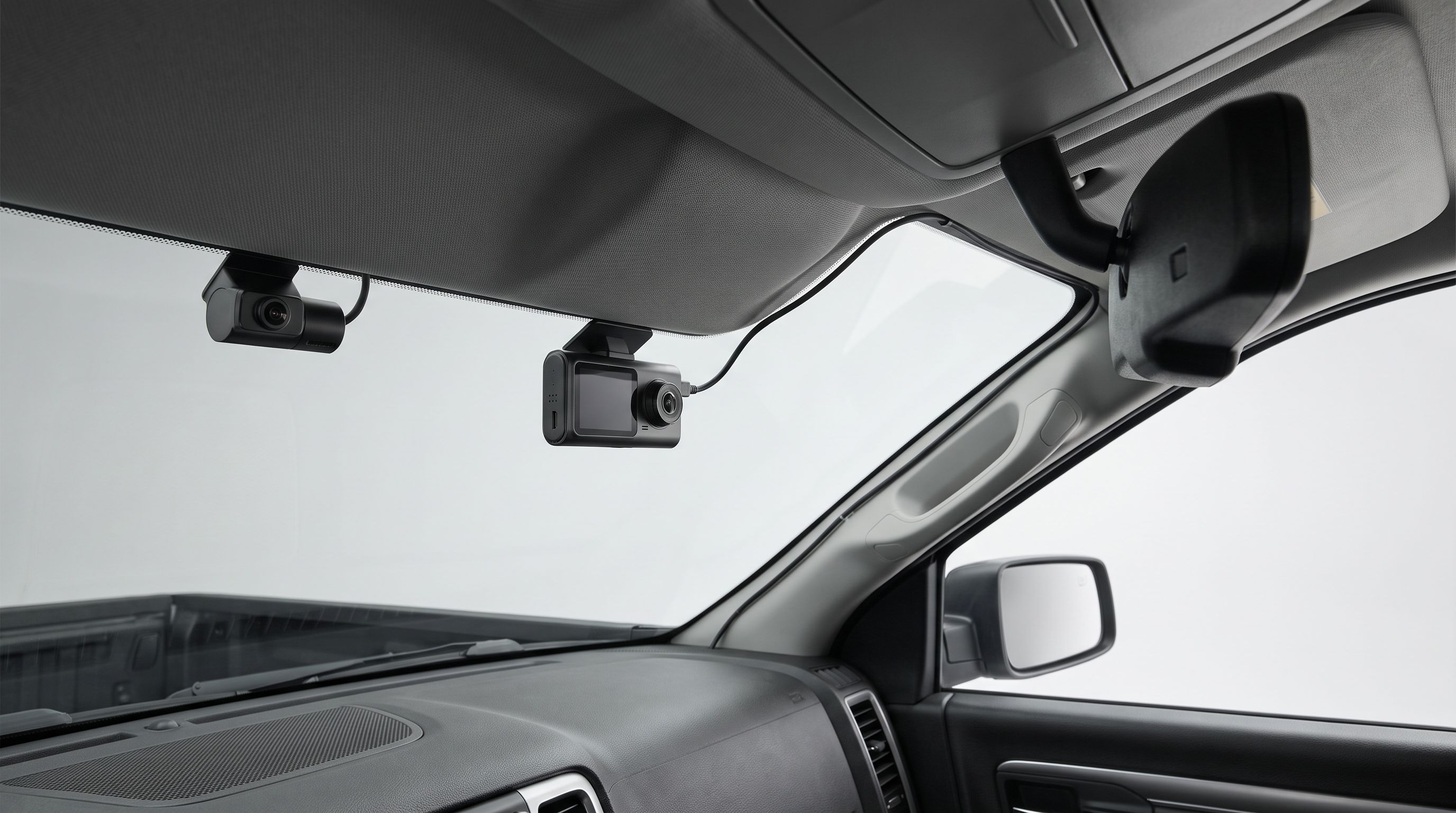
Pickups break the assumptions most dash cam makers design around. The cab is taller, the windshield rake is shallower, the headliner is thicker, the fuse box is often buried behind a kick panel or under the hood, and the "rear" camera has to end up somewhere that isn't a hatch glass six feet from the mirror. A kit that installs cleanly in a sedan in 20 minutes can leave you 18 inches short of the back glass on a crew cab.
This guide ranks two-channel (and one three-channel) systems specifically on how they behave in a truck: rear cable length, mount height and clearance, hardwire kit availability, and whether the rear camera can survive where you have to put it.
The short version
- Best overall: Viofo A329S 2CH
- Best for cab interior coverage: Vantrue N4 Pro
- Easiest install: Garmin Dash Cam Live
- Budget pick: Rove R2-4K Dual Pro
- Premium pick: BlackVue DR970X-2CH
 Premium pick · BlackVue DR970X-2CH — Check price on Amazon →
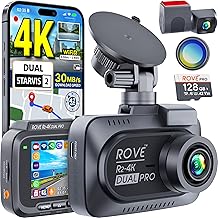 Budget pick · Rove R2-4K Dual Pro — Check price on Amazon →
 Easiest install · Garmin Dash Cam Live — Check price on Amazon →
 Best for cab interior coverage · Vantrue N4 Pro — Check price on Amazon →
 Best overall · Viofo A329S 2CH — Check price on Amazon →
Why trucks are a harder install than they look
Rear cable length is the first thing to check
Most bundled rear cables run somewhere around 20 feet, which is generous in a hatchback and merely adequate in a crew cab. The cable doesn't travel in a straight line — it goes up into the headliner, across to the A-pillar or down the passenger side, along the sill or roof rail, around the C-pillar, and then to the glass. On a full-size crew cab with a 6.5-foot bed, if you're mounting the rear camera on the tailgate or at the rear of a cap, you're adding another 10 to 15 feet plus a weatherproof pass-through.
Practical rule: measure your intended route with a piece of string before you buy, then add 25 percent for slack and trim-tuck. If you land over 20 feet, check whether the manufacturer sells an extension — Viofo, Vantrue and BlackVue all offer longer rear cables or extensions for their current models, while many budget brands use proprietary connectors with no longer option.
Where the rear camera actually goes
You have three realistic options on a pickup, and they are not equal:
- Inside the rear cab glass. Easiest, driest, and the cable stays indoors. Downside: on trucks with heavily tinted or defroster-gridded rear glass, night footage degrades noticeably, and a bed cap or cargo rack can block the view entirely.
- On the tailgate or rear bumper, exterior. Best view, but you need a camera with a real IP rating, a grommet to exit the cab, and strain relief at the bed-to-cab gap. Tailgate mounting also means the cable crosses a hinge — route it through the tailgate's factory wiring channel if your truck has one for a backup camera.
- Inside a topper or canopy. Fine for coverage of what's behind you, but you lose the ability to document the bed, and the cable has to cross the cab-to-cap gap anyway.
If you're on an exterior mount, verify the rear camera's ingress rating from the manufacturer's spec sheet rather than assuming. Many "rear cameras" in two-channel kits are interior-only parts.
Headliner depth, mirror housing and windshield rake
Truck headliners are thicker than car headliners, and many 2020-and-newer pickups carry a large mirror housing with lane-keep and rain-sensor modules behind it. That housing eats the exact real estate a chunky dash cam wants. Two consequences:
- Prefer low-profile or cylindrical bodies if your mirror shroud is large. BlackVue's cylinder shape and Garmin's small rectangular body tuck in where a tall screen-based unit won't.
- Shallow windshield rake (common on heavy-duty trucks) means the camera sits further from the glass at the top edge, and the lens can pick up more dash reflection. A matte dash mat or a polarizing filter helps; so does mounting as high and as close to the glass as the housing allows.
Also check swing clearance for your sun visors. On several full-size trucks the visor sweeps right through the spot people instinctively choose.
Fuse box location and parking mode
Parking surveillance is the main reason to hardwire, and it's also the step most likely to stall an install. Fuse box location varies enormously across trucks: many Ford F-150s put the primary interior panel at the driver's left knee or in the passenger footwell; GM 1500s commonly use an under-hood block plus a smaller interior panel; Ram trucks often concentrate things under the hood. If your only accessible panel is under the hood, running a hardwire kit through the firewall is a bigger job than a 15-minute tap.
Before buying, confirm three things for your year, make and model: where the interior fuse panel is, which fuse is switched (ignition-on) and which is constant, and what blade size it uses (mini, low-profile mini, or micro2). Add-a-fuse taps are cheap but they are size-specific — buying the wrong one is the most common reason an install stops halfway. A cheap multimeter or circuit tester pays for itself here.
If you'd rather not touch the fuse box at all, an OBD-II power cable with a voltage cutoff is an acceptable compromise for a lot of trucks, though it occupies the port and some newer vehicles keep the OBD line live in ways that complicate low-voltage shutoff.
The picks
Viofo A329S 2CH — best overall
Prices last checked October 13, 2026. Amazon prices change frequently, so treat these as a guide and check the live price before you buy.
Viofo A329S 2CH
4K front with a sharp 2K rear and a long, thin rear cable that suits full-size cab runs.
The A329S is the model that pushed Viofo back to the top of most 2026 roundups, and it earns it: 4K front capture at a high bitrate, a genuinely sharp 2K rear camera rather than the usual 1080p afterthought, and Viofo's long-standing strength in low-light plate capture. For truck owners the practical wins are the thin rear cable (easier to tuck into a thick headliner and around C-pillar airbags), the availability of longer rear extensions, and a proper hardwire kit with configurable voltage cutoff for parking mode.
What it gives up: Viofo's app and menu system is functional rather than polished, and the unit's screen-equipped body is bulkier than a BlackVue cylinder, so check clearance behind a large mirror shroud first.
Vantrue N4 Pro — best for cab interior coverage
Vantrue N4 Pro
Three channels covers road, cab and rear glass — useful for work trucks and shared vehicles.
If the truck is a work vehicle, a shared vehicle, or one you ever lend out, three channels beats two. The N4 Pro covers the road ahead, the cab interior with infrared for night, and the rear — which is exactly the coverage set a contractor or fleet operator wants when tools and passengers are both part of the risk. Vantrue has had consistently strong showings in truck-focused roundups for this reason, and the hardwire kit supports proper parking surveillance.
What it gives up: three channels means a bigger body on the glass and more cable to hide, and resolution per channel is lower than a dedicated two-channel 4K setup. If you only care about forward plate legibility at distance, the A329S is the better camera.
Garmin Dash Cam Live — easiest install
Garmin Dash Cam Live
Tiny body, magnetic mount and LTE connectivity reduce how much wire you have to hide.
Garmin's smallest units are the answer when the mirror housing is enormous and you want minimal visual intrusion. The Dash Cam Live uses a compact body with a magnetic mount and adds LTE connectivity so you can check in on the truck remotely — handy if it parks at a jobsite overnight. Garmin's setup flow, voice control and app are the most approachable of any brand here, and the small footprint means less headliner wrestling.
What it gives up: it's a single-channel camera. To get rear coverage you're pairing it with a second Garmin unit, which means two mounts, two power feeds and no unified front/rear file pairing. Choose it when install simplicity and remote access matter more than a single integrated two-channel system; choose a true 2CH kit if you want one device and one cable run.
Rove R2-4K Dual Pro — budget pick
Rove R2-4K Dual Pro
Starvis 2 sensors front and rear with a card included, for a straightforward two-wire install.
Rove's dual-channel R2-4K Dual Pro shows up on nearly every 2026 value list, and for good reason: Starvis 2 sensors on both channels, 4K front, a memory card in the box, and a hardwire kit option for parking mode. For a truck owner who just wants two angles recorded reliably without a four-figure outlay, it covers the brief.
What it gives up: build quality and app polish are a step behind Viofo and BlackVue, heat tolerance in a black truck parked in summer sun is the usual weak point for budget units, and rear cable extension options are limited. If your rear run exceeds the supplied cable, confirm an extension exists before you commit.
BlackVue DR970X-2CH — premium pick
BlackVue DR970X-2CH
Low-profile cylinders, strong parking mode and the cleanest cable management for pro installs.
BlackVue's appeal in a truck is physical as much as electronic. The cylindrical, screenless body sits flat against the glass and disappears beside a large mirror shroud, the rear unit is similarly discreet, and the cable management hardware is the cleanest in the category — which matters when you're tucking 20-plus feet of wire through a thick headliner. Cloud connectivity, a well-developed parking mode and strong build quality round it out.
What it gives up: price, and a dependence on the phone app for everything since there's no screen. Aiming the rear camera through a tinted truck back glass without a live preview means walking back and forth with your phone. It's also the pick most likely to justify a professional install.
Comparison
| Model | Channels | Front / rear resolution | Body style | Best truck scenario |
|---|---|---|---|---|
| Viofo A329S 2CH | 2 | 4K / 2K | Screen, compact rectangle | Crew cab with rear-glass or tailgate rear camera |
| Vantrue N4 Pro | 3 | Multi-channel incl. IR cabin | Screen, taller body | Work trucks, shared or loaned vehicles |
| Garmin Dash Cam Live | 1 (pair two for F/R) | Front only | Very small, magnetic mount | Big mirror shrouds, minimal-wiring installs |
| Rove R2-4K Dual Pro | 2 | 4K / Starvis 2 rear | Screen, standard | Value-focused daily driver pickup |
| BlackVue DR970X-2CH | 2 | 4K front | Screenless cylinder | Tight mirror clearance, pro install, cloud parking mode |
Resolutions and feature sets change with firmware and regional variants — confirm on the manufacturer's current spec page before ordering.
Install tips that actually matter in a pickup
- Run the rear cable down the passenger side. The driver's side carries more of the wiring you don't want to disturb, and passenger-side routing keeps you away from the OBD port and hood release.
- Do not tuck cable into airbag curtains. Crew cab roof rails house side-curtain airbags along their full length. Route along the headliner edge or under the sill trim instead, and never between the airbag and the trim it deploys through.
- Leave a service loop at the mirror. Three or four inches of slack behind the mount saves you from re-pulling the whole run when you swap cameras.
- Use a grommet for any exterior exit. If the rear camera leaves the cab, it goes through an existing grommet with the hole sealed afterward — not a drilled hole you hope stays dry.
- Test before you tuck. Power everything up, check both channels record and the parking mode cutoff works, and only then commit the cable to the trim.
FAQ
How long a rear cable do I need for a crew cab? For rear-cab-glass mounting on a crew cab, most bundled cables around 20 feet are enough with modest slack. For a tailgate, bumper or topper-mounted rear camera, plan on 30 feet or more. Measure your route with string first.
Can the rear camera go on the tailgate? Yes, if the camera is rated for exterior use and you can route the cable through a sealed pass-through and across the tailgate hinge. Use the factory backup-camera channel where one exists. Interior-only rear cameras will fail outdoors.
Will tinted rear glass ruin the footage? It degrades it, especially at night. Factory-tinted truck back glass plus a defroster grid noticeably cuts rear plate legibility. If rear plate capture matters to you, an exterior mount is the better answer.
Do I have to hardwire it? Only for parking mode. A 12V socket cable is fine for drive-only recording. For surveillance while parked you need either a hardwire kit with low-voltage cutoff or an OBD-II power cable with the same protection, so the camera can't flatten the battery.
Which fuse should I tap? One switched (ignition-on) circuit for the main feed and one constant circuit for parking mode, per your kit's instructions. Identify the blade type — mini, low-profile mini or micro2 — from your owner's manual or the panel diagram before buying add-a-fuse taps, and avoid tapping anything safety-related like airbags or ABS.
Does any of this depend on my truck's year and model? Yes. Mirror housing size, headliner thickness, fuse panel location and fuse blade type all vary by year, make and model. Check your owner's manual and the manufacturer's mount clearance spec before buying, and if you're in any doubt about the firewall or airbag routing, have it installed professionally.
Get the best car care deals in your inbox
Join the GarageProof newsletter for hand-picked car care deals and new buying guides. No spam, unsubscribe anytime.
Related reads
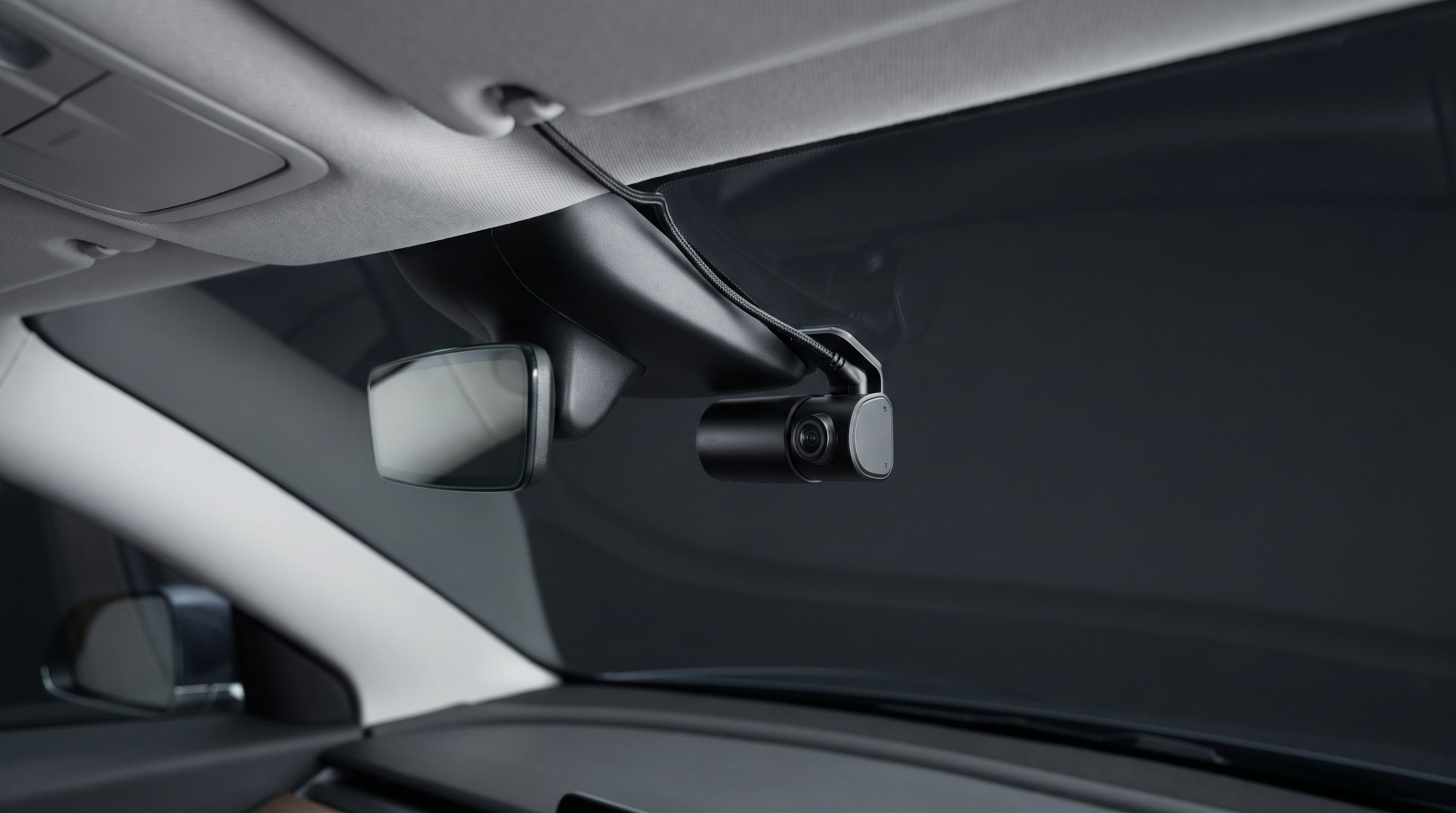
Dash Cam for a Leased Car in 2026: No-Drill Power Routes
The best no-drill dash cam setups for leased cars in 2026 — OBD and fuse-tap power, adhesive mounts, and how to route cables around A-pillar airbags safely.
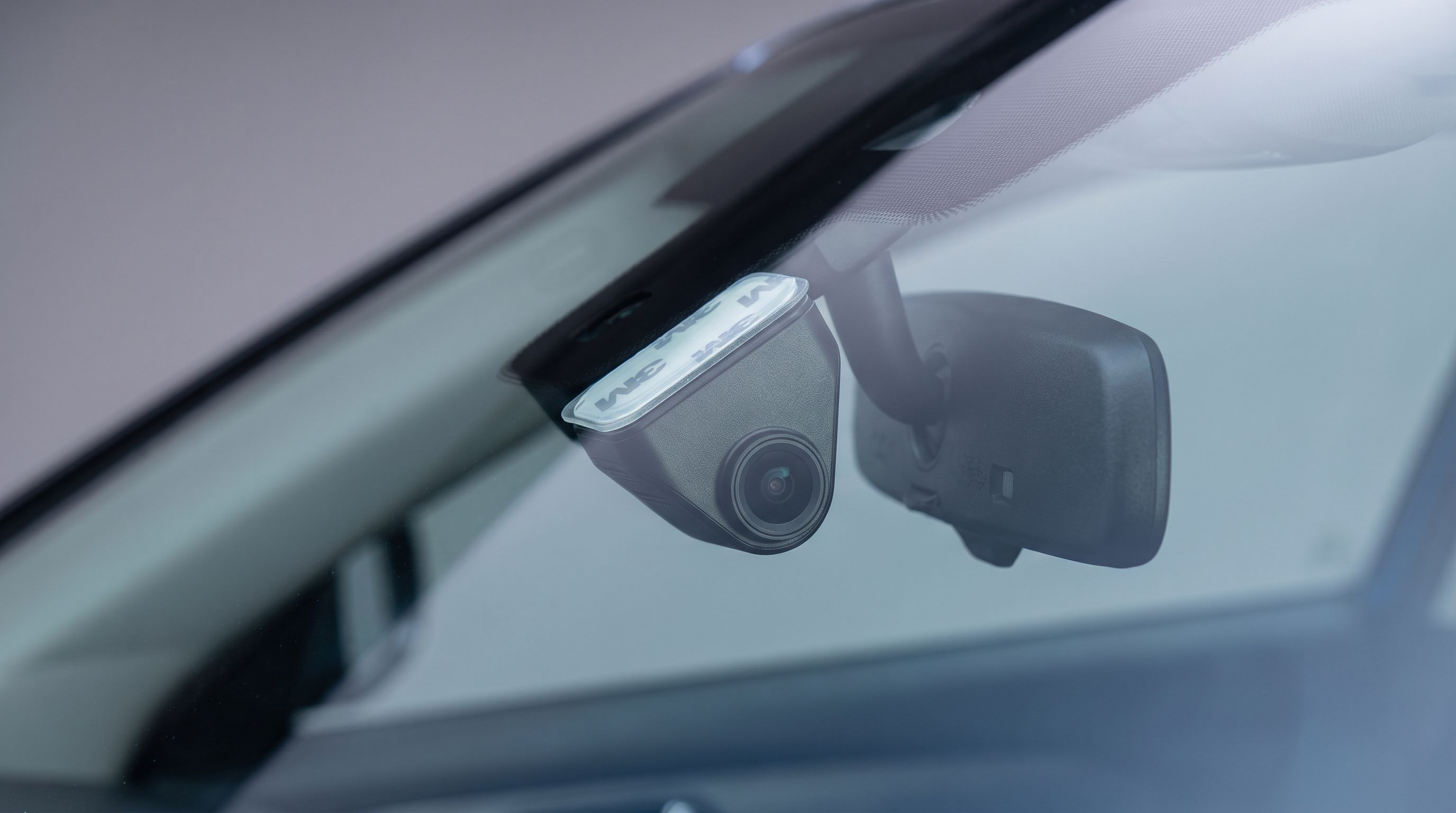
Dash Cam Mount for Sloped Windshield: 2026 Wedge Guide
Steeply raked glass ruins dash cam aim. Here's how wedge angle, adhesive vs suction mounts and ball-joint range decide what you should buy in 2026.
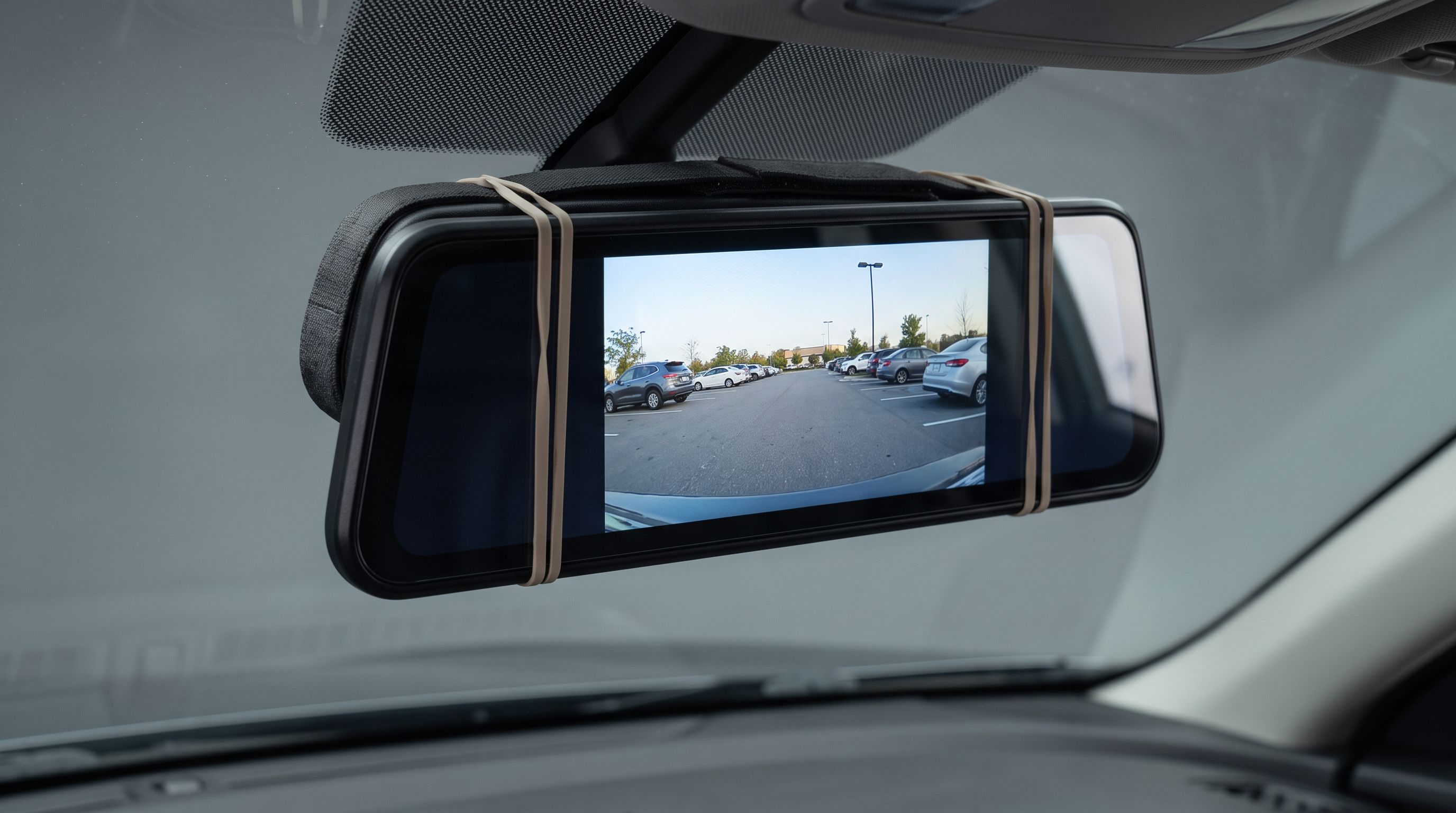
Mirror Dash Cams in 2026: Will It Clamp Over Your Mirror?
Mirror dash cam fitment explained for 2026: strap vs clip mounts, auto-dimming mirror clearance, screen size and wiring — plus four models worth buying.