Dash Cam for Tesla 2026: Sentry Mode or Standalone?
Tesla Sentry Mode vs a hardwired dash cam in 2026: compare coverage, heat tolerance, storage and power taps, plus four cams that suit Tesla owners.
Reader-supported: we may earn a commission from links on this page, at no extra cost to you. It never affects our picks. Learn more.
Every Tesla already ships with cameras pointed in almost every direction, plus Sentry Mode to record what happens while you're away. So why do so many owners still bolt a dash cam to the windshield? Because Tesla's built-in system was designed as a security feature first and an evidence-gathering tool second — and those are not the same job.
We compared Tesla's native Dashcam and Sentry Mode behaviour against dedicated hardwired dash cams using manufacturer documentation, independent reviews and verified owner feedback, with a focus on the things that actually bite Tesla owners: readable plates at night, heat on a parked windshield, USB power quirks and storage that doesn't die in six months.
The short version
- Best overall: Viofo A229 Pro 3CH
- Best for full 360° coverage: Vantrue N5S
- Best for parking surveillance: BlackVue DR970X-2CH Plus
- Best compact pick: 70mai Dash Cam 4K Omni
- Best storage for TeslaCam: Samsung T7 Shield 2TB
 Best storage for TeslaCam · Samsung T7 Shield 2TB — Check price on Amazon →
 Best compact pick · 70mai Dash Cam 4K Omni — Check price on Amazon →
 Best for parking surveillance · BlackVue DR970X-2CH Plus — Check price on Amazon →
 Best for full 360° coverage · Vantrue N5S — Check price on Amazon →
 Best overall · Viofo A229 Pro 3CH — Check price on Amazon →
What Tesla's built-in system actually does well
Let's be fair to TeslaCam before picking it apart. It's free, it's already installed, and it uses cameras with excellent sight lines — the repeaters see down both flanks, which no single windshield dash cam can match. Sentry Mode watches around the car when parked, chirps or flashes at anyone who lingers, and saves clips when it detects a threat. The in-car Dashcam menu lets you choose how clips are saved: automatic saving on detected events, manual saving via the icon or a horn tap, and continuous recording that keeps a rolling buffer.
For the common scenarios — someone dings your door in a parking lot, a driver cuts you off, a shopping cart rolls into your quarter panel — Sentry Mode plus TeslaCam is usually enough to establish what happened and roughly who did it.
Where it falls short
The gaps show up when you need the footage to prove something, not just explain it.
- Resolution and compression. The repeater and B-pillar feeds are tuned for Autopilot perception, not forensic detail. Plates are often unreadable beyond a car length or two, especially at night.
- No dedicated cabin view. There's no inward-facing footage saved for most owners outside of specific rideshare/robotaxi contexts — a problem if you drive for Uber or Lyft.
- Sentry Mode drains the battery. It runs the computer continuously, which costs real range per day. Owners regularly report meaningful overnight loss, which is why many disable it at home.
- USB drive mortality. Sentry writes constantly. Cheap flash drives overheat, corrupt and silently stop recording, and you often don't find out until you need the clip.
- No cloud, no alerts. You find out something happened when you walk back to the car.
A good standalone dash cam fixes the first, second and last of those. It does not fix the battery question — it introduces its own version of it.
Sentry Mode vs a standalone dash cam: the honest comparison
| Factor | Tesla Sentry Mode / TeslaCam | Hardwired standalone dash cam |
|---|---|---|
| Cost | Included (plus a USB drive) | Cam + hardwire kit or fuse tap |
| Front resolution | Modest, heavily compressed | Up to 4K with Starvis 2 sensors |
| Night plate capture | Often unreadable at distance | Usually readable at 1–2 car lengths |
| Side coverage | Excellent (repeaters, B-pillars) | Limited unless 4-channel |
| Cabin recording | Not available to most owners | Available on 3CH/4CH models |
| Parking mode | Yes, radar/vision triggered | Yes, buffered, impact or motion |
| Remote alerts | None | Cloud models push to your phone |
| Energy draw while parked | Significant (computer stays awake) | Small (camera only) |
| Storage | USB drive or SSD you supply | microSD or internal eMMC |
| Heat behaviour | Vehicle-managed | Depends on capacitor vs battery design |
The practical answer for most owners in 2026 is both. Keep Sentry Mode for the surround awareness and the deterrent chirp; add a front-facing cam for the detail that wins disputes. Owners who've run BlackVue units across multiple Teslas consistently say the aftermarket cam catches what Sentry misses rather than replacing it.
How to choose
Power: where you actually tap a Tesla
This is the question that stops most installs. Teslas don't have a conventional accessory fuse box you can tap in the cabin footwell, and the 12 V socket in the centre console only has power when the car is awake — fine for driving, useless for parking mode.
Three realistic routes:
- USB port in the glovebox or centre console. Simplest. On many models the glovebox USB stays powered long enough to be useful, but behaviour varies by model year and software version. Some ports are data-only or power-only — check yours before you commit.
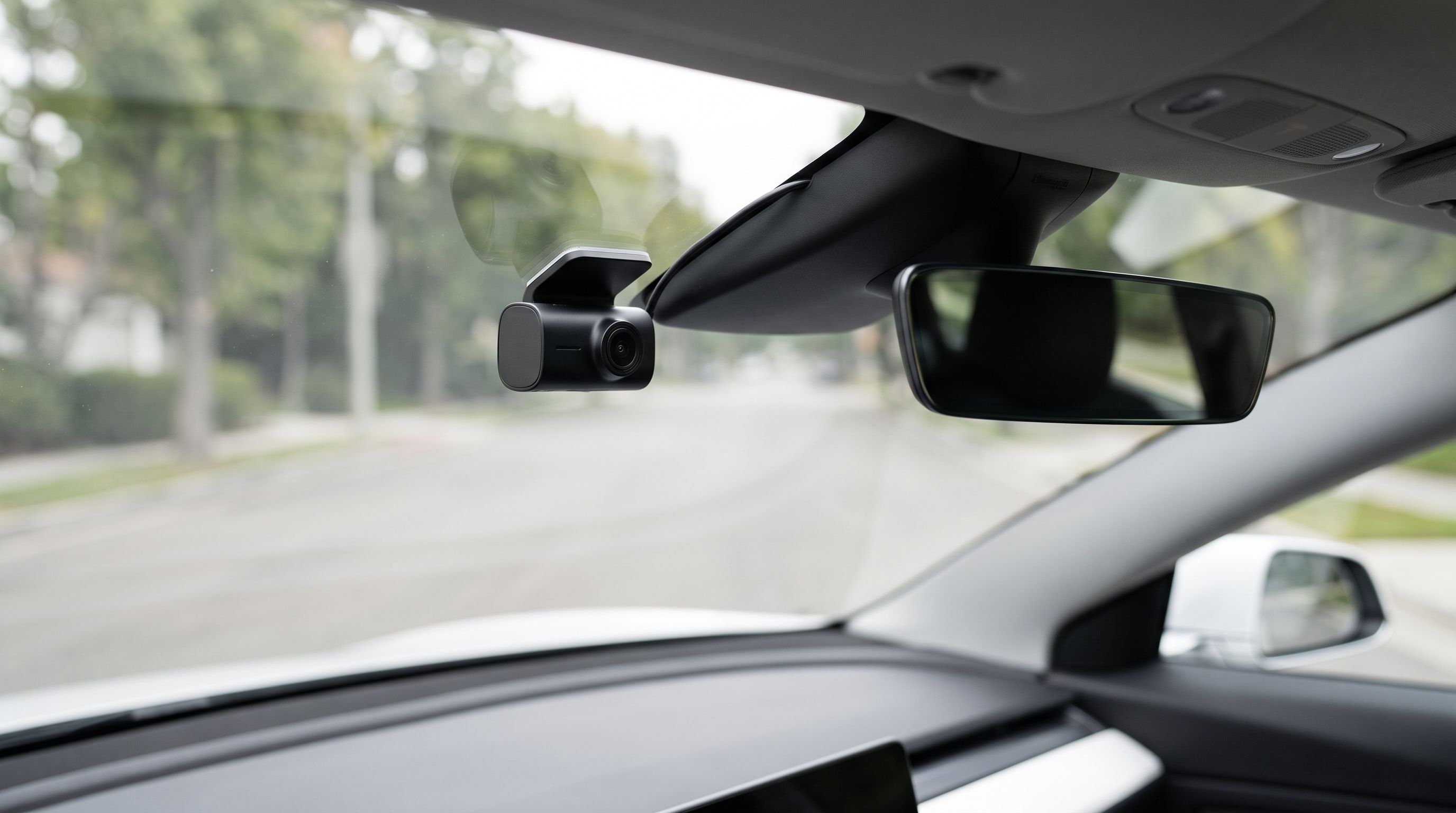
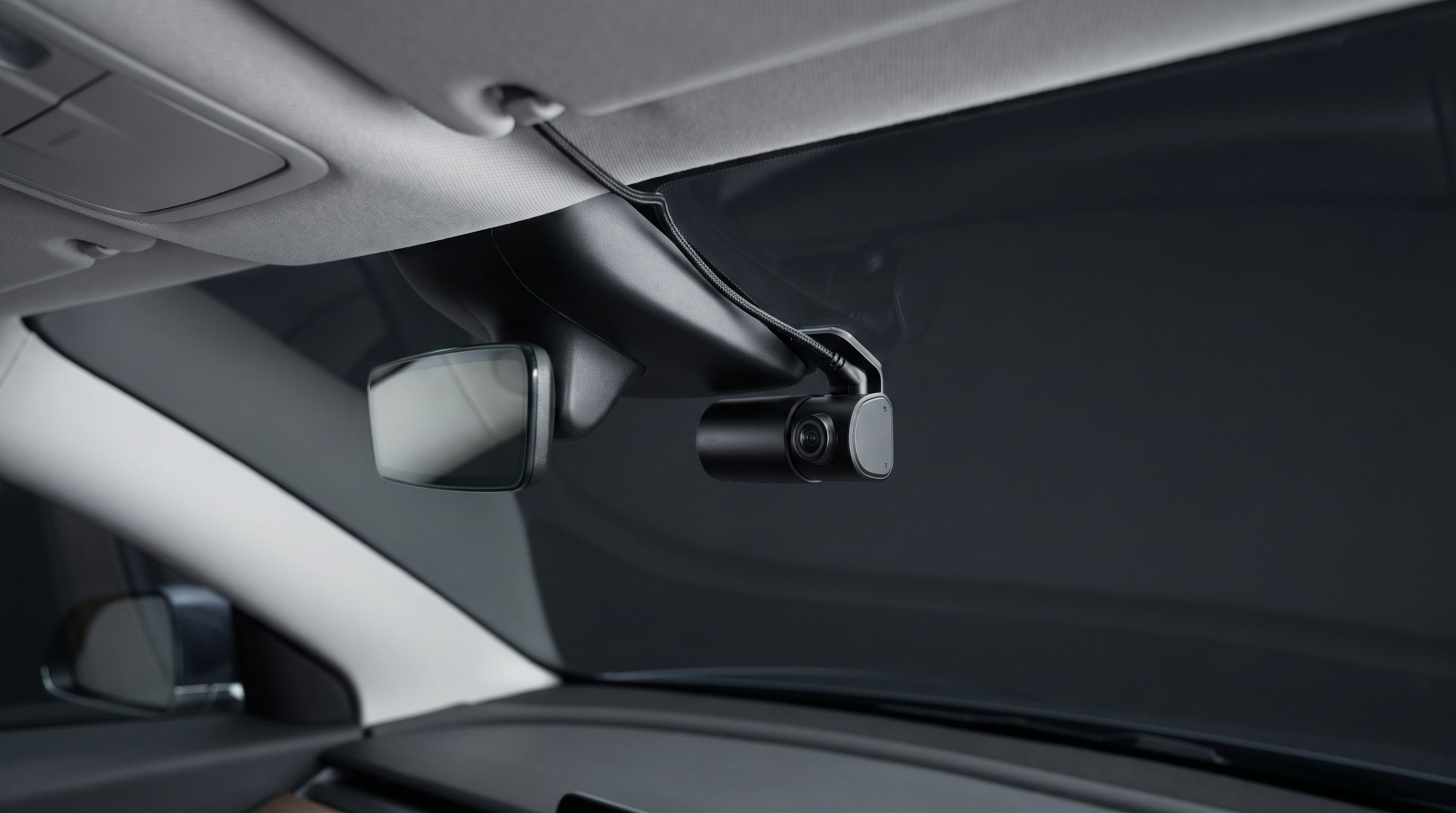
- Dedicated Tesla hardwire kit. Several brands sell Tesla-specific harnesses that pull from the overhead dome light or the rear-left trim panel's 12 V circuit, routing the cable behind the headliner and down the A-pillar. These are the cleanest and give true parking mode.
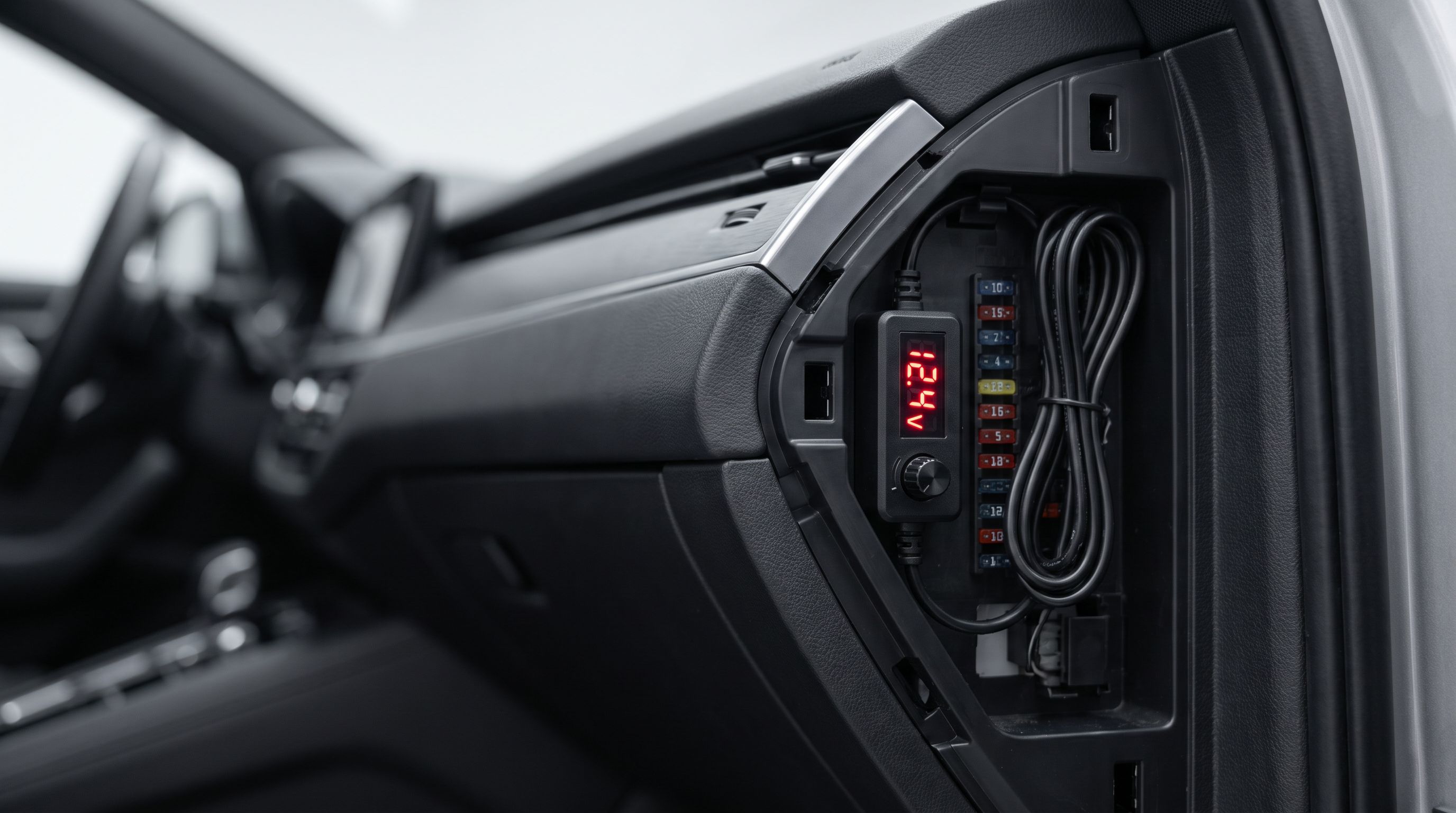
- Tapping the mirror/dome circuit with an add-a-fuse. Common and tidy, but it's ignition-independent on some cars, so you need a cam with proper low-voltage cutoff to avoid flattening the 12 V battery.
Whichever you choose, pick a cam with an adjustable voltage cutoff. Tesla's low-voltage battery is small, and a dead one means a car that won't wake up.
Heat tolerance: capacitor, not battery
A parked Tesla's windshield gets brutally hot, and unlike an ICE car there's no engine bay to blame. Dash cams with internal lithium batteries swell, fail and in rare cases vent. Buy a supercapacitor model. Every pick here uses capacitors rather than a battery, which is standard for serious parking-mode cams in 2026 and the single most important durability spec for this use case.
Also look at where the camera sits. Tucked up behind the mirror housing it's shaded by the ceramic frit band; stuck low and central it bakes. Tesla's large glass roof adds cabin heat soak on top of that, so ventilation around the body matters.
Storage that survives constant writes
Continuous recording is a write-heavy workload. For TeslaCam, use an SSD rather than a thumb drive — the Samsung T7 Shield 2TB is the go-to because it's fast, physically tough and handles sustained writes without thermal throttling into oblivion. You'll want a short USB-C cable and, on some models, a powered hub if you're also charging phones.
For standalone cams, use a high-endurance microSD card rated for dash cam or surveillance duty, and format it in the camera every month or two. Capacity matters less than endurance rating; a 128 GB high-endurance card beats a 512 GB consumer card for this job.
Channel count: how much do you actually need?
- 1CH front: cheapest insurance. Covers the majority of at-fault disputes. Sentry handles the rest.
- 2CH front + rear: adds rear-end collision evidence, which Tesla's rear camera captures at low resolution.
- 3CH / 4CH: adds the cabin. Essential for rideshare, useful if you lend the car out, otherwise overkill.
The picks
Viofo A229 Pro 3CH — best overall
Prices last checked October 9, 2026. Amazon prices change frequently, so treat these as a guide and check the live price before you buy.
Viofo A229 Pro 3CH
4K front, 2K rear and 2K interior with Starvis 2 sensors — the most complete Tesla coverage upgrade.
The A229 Pro is the current reference point for mainstream dash cams, and Wirecutter named the A229 Pro its best overall pick for 2026. The 3CH version pairs a 4K front camera with 2K rear and 2K interior channels, all using Sony Starvis 2 sensors, so night footage holds detail where older cams smear into orange glow. It's supercapacitor-powered, has 5 GHz Wi-Fi for quick phone transfers, voice control and reliable buffered parking mode.
For a Tesla owner, it's the sensible answer: it adds genuinely forensic front footage plus a cabin view Sentry can't give you, without a cloud subscription. What you give up is remote alerting — you'll still find out about incidents when you get back to the car — and the interior camera's IR illumination can show mild reflections off a Tesla's glass roof at night.
Vantrue N5S — best for full 360° coverage
Vantrue N5S
Four channels in one unit, including a dedicated cabin camera — ideal for rideshare Tesla drivers.
If your goal is to leave nothing uncovered, the N5S is one of very few true four-channel units on the market. Front, rear, cabin and a fourth channel give you wraparound coverage from a single windshield mount, with the front and rear exterior cameras using 2K Starvis 2 sensors for solid low-light performance. That makes it the natural choice for Tesla owners doing rideshare or delivery work, where cabin and side evidence actually matters.
The trade-offs are real: it's a physically chunky unit, four streams eat card space fast (budget for high-endurance storage), and no single channel hits the 4K sharpness of the Viofo's front camera. You're trading peak detail for breadth.
BlackVue DR970X-2CH Plus — best for parking surveillance
BlackVue DR970X-2CH Plus
Cloud connectivity, push alerts and mature parking-mode firmware for long unattended stints.
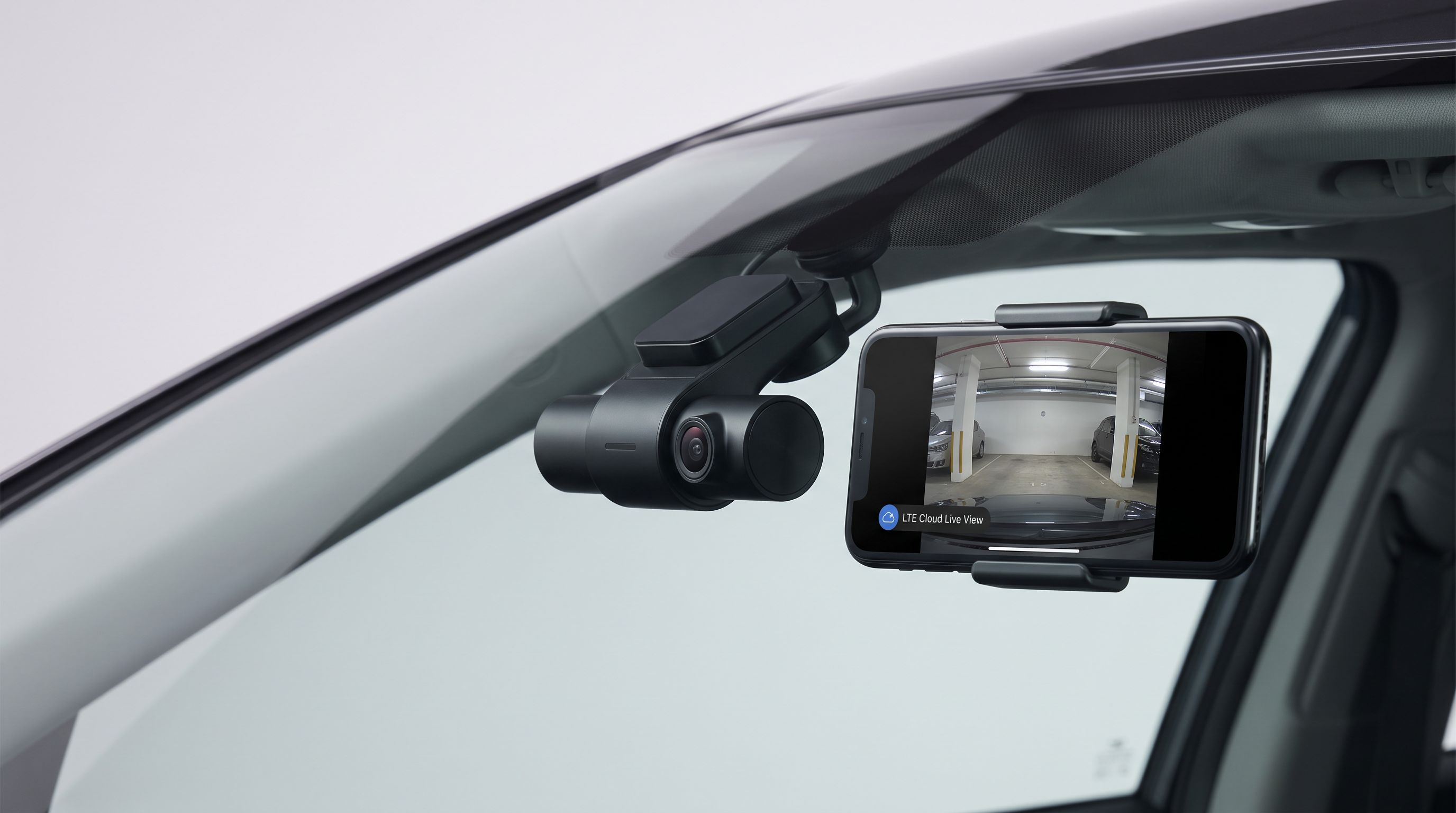
BlackVue's appeal in the Tesla community is parking-mode maturity and the cloud. With a connected SIM or hotspot, the DR970X-2CH Plus pushes impact and motion alerts to your phone, lets you view a live feed remotely, and backs clips up off the card. Tesla owners who've run BlackVue across several cars consistently cite that remote capability as the thing Sentry Mode simply doesn't offer.
It's also one of the most discreet units available — a slim cylinder that disappears behind the mirror. The compromises: it's the most expensive route here, the best features lean on a cloud plan, and the interface is less immediately friendly than Viofo's app. There's no built-in cabin channel either.
70mai Dash Cam 4K Omni — best compact pick
70mai Dash Cam 4K Omni
Rotating 4K lens tracks impacts around the car from a small, discreet windshield footprint.
The Omni takes a different approach: a single 4K camera on a motorised rotating base that swings toward detected motion or impact. Parked, it can sweep around rather than stare straight ahead, which pairs neatly with Sentry Mode's own side coverage. It's small, looks factory-fitted behind a Tesla mirror housing, and 70mai sells Tesla-friendly power options that keep the install tidy.
It suits owners who want meaningful footage without a three-camera cable run. The catch is that rotation means it isn't looking everywhere at once — it reacts, so the first second of an event may be off-axis. Moving parts are also one more thing to fail in a hot windshield, and there's no rear channel.
Samsung T7 Shield 2TB — best storage for TeslaCam
Samsung T7 Shield 2TB
Fast, shock-resistant external SSD that handles Sentry Mode writes far better than a flash drive.
If you decide Sentry Mode is enough, spend the money here instead of on a camera. The T7 Shield is the drive Tesla owners keep coming back to: rubberised, drop- and dust-resistant, fast enough for simultaneous multi-camera writes, and far more tolerant of constant recording than a USB stick. Two terabytes gives you a deep Sentry archive before the loop overwrites.
It won't fix Sentry's resolution limits or give you alerts, and you'll need a short USB-C cable plus somewhere to stash it in the console or glovebox so it isn't rattling around. But it reliably removes the most common TeslaCam failure: a drive that quietly stopped recording weeks ago.
FAQ
Does a dash cam void a Tesla warranty?
A properly installed cam powered from a USB port won't. Hardwired installs that cut or splice factory wiring could create a dispute over any related fault, so use a plug-in Tesla-specific harness rather than splicing where possible, and keep the install reversible.
Will a dash cam drain my 12 V battery?
It can, if it's wired to an always-on circuit with no cutoff. Set the camera's low-voltage protection conservatively, or use a Tesla-specific kit designed to sleep with the car. Note that Sentry Mode itself consumes far more energy than any dash cam.
Can I use one USB drive for both Sentry and a dash cam?
No. Standalone cams use their own microSD card. Keep the TeslaCam SSD dedicated to Tesla and don't store music or other files on it — mixed use is a common cause of recording failures.
Does Sentry Mode record audio or cabin video?
Sentry Mode captures exterior camera footage. Cabin recording isn't available to most owners, which is the main reason rideshare drivers add a 3- or 4-channel cam.
Which mounting spot works best on a Tesla?
Directly beside the mirror housing, tucked into the shaded frit band, keeps the cam out of your sightline and out of direct sun. Route the cable up into the headliner and down the A-pillar trim — on most Teslas it tucks in by hand without tools.
Do I need a Tesla-specific dash cam?
No. Any quality supercapacitor cam works; what's Tesla-specific is the power harness and mounting approach. Plug-and-play options like Fitcamx exist if you want a no-wiring install, but check the listing against your exact model, year and trim before buying — Tesla interiors change often.
Get the best car care deals in your inbox
Join the GarageProof newsletter for hand-picked car care deals and new buying guides. No spam, unsubscribe anytime.
Related reads
Dash Cam for a Leased Car in 2026: No-Drill Power Routes
The best no-drill dash cam setups for leased cars in 2026 — OBD and fuse-tap power, adhesive mounts, and how to route cables around A-pillar airbags safely.
Dash Cam Hardwire Voltage Cutoff 2026: Match It to Your Battery
How to set dash cam hardwire voltage cutoff for AGM, flooded, and stop-start batteries in 2026 — plus four hardwire kits with user-adjustable cutoff points.
LTE Cloud Dash Cam in 2026: Is the Subscription Worth It?
We compared LTE cloud dash cams in 2026 on hardware cost, monthly plan fees, live-view limits and parking alerts — and when a plain SD card cam is smarter.